Holiday Gift Ideas for Developers (2026)
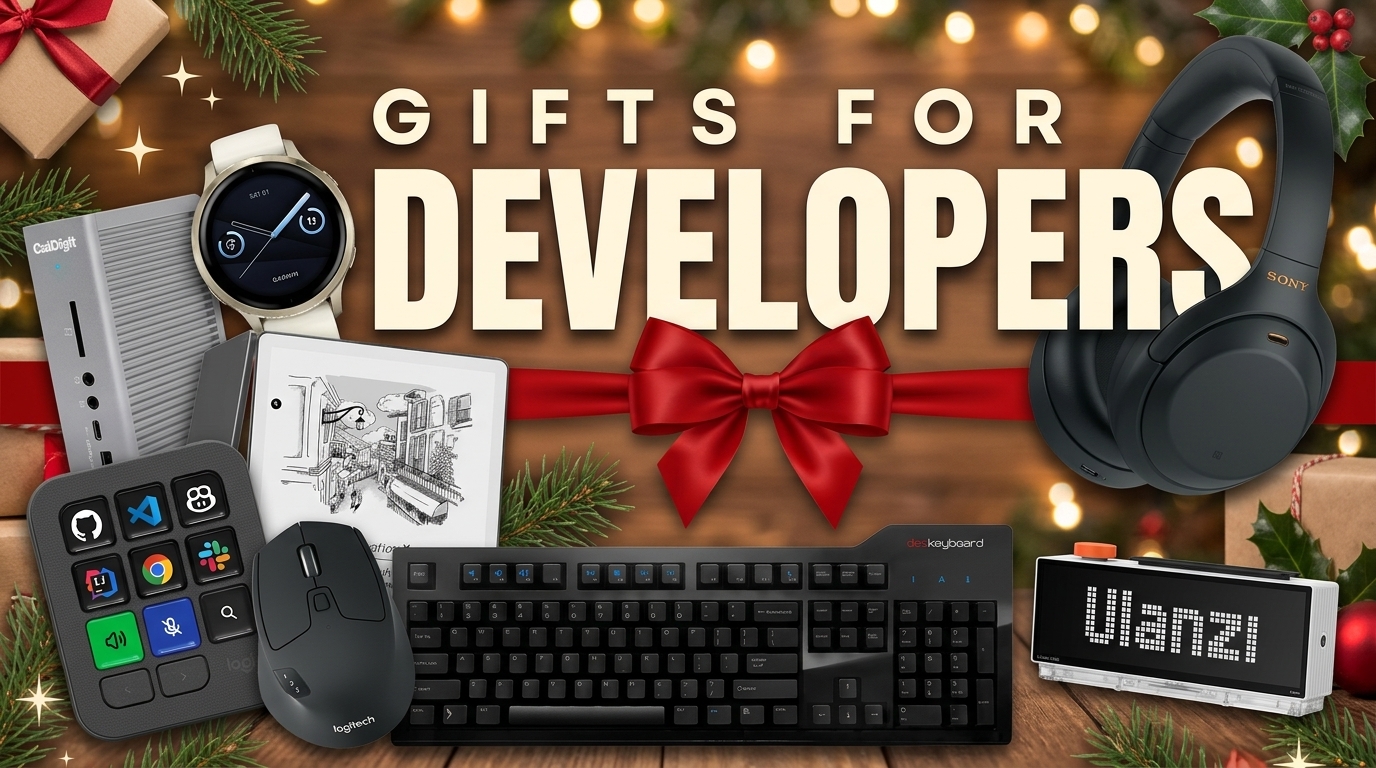
Happy holidays! If you're a developer, or you have a developer on your gift list, this one's for you. Most of the items below are things I own and can vouch for, things that are on my own Christmas list, or things I just think are really cool.
Here is a list of 12 gift ideas for developers, grouped into gadgets and tech, home office, and fitness and fun.
1) Logitech MX Keypad 🎛️
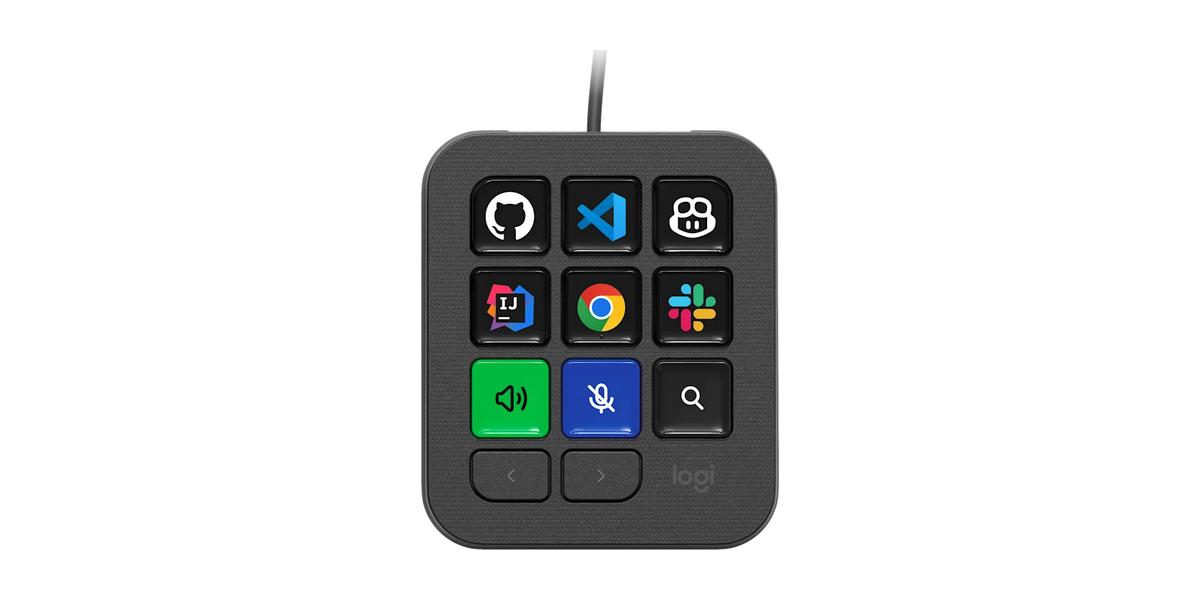
Logitech calls the MX Keypad "AI control keys for developers." It's similar to an Elgato Stream Deck, so if you already have one of those, you may not need this. The keys change depending on the app you're using, which makes it context aware. That's helpful when you're working across multiple agents and applications. I'm not great at remembering keyboard shortcuts, so I'm curious to see whether this helps me get where I need to go faster. The device also comes with a three-month GitHub Copilot Pro+ subscription, which is a nice bonus if you don't already have an AI subscription.
🌐 Check out Logitech MX Keypad
2) Pixel Displays 👾
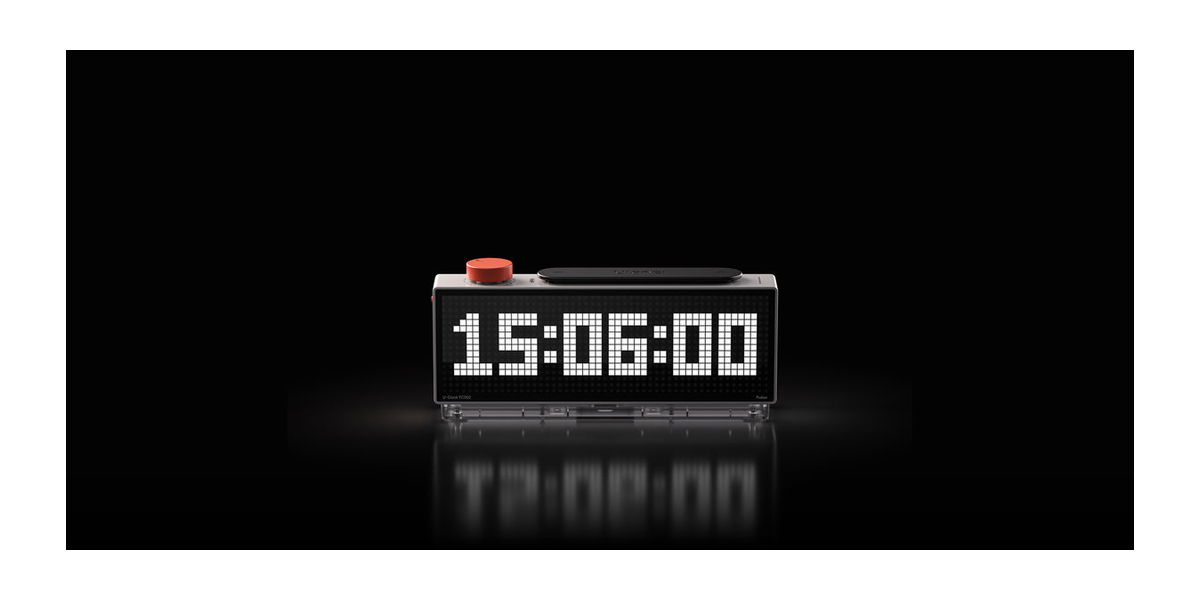
This one is a "do I need it? absolutely not" pick. I saw YouTubers using these pixel displays in their backgrounds to show their subscriber counts, and I thought they looked cool. The Pixbar Pixel Clock 2 is the newer, pricier option. The Ulanzi TC001 is the original, more basic version and costs about half as much. If you want YouTube stats and weather, the TC001 is enough. If you like to tinker, the Pixbar can be extended with Python. Either way, it's a fun way to jazz up your office space.
🌐 Check out Ulanzi TC002 Pixbar Pixel Clock II
3) reMarkable E-Ink Tablet ✍️
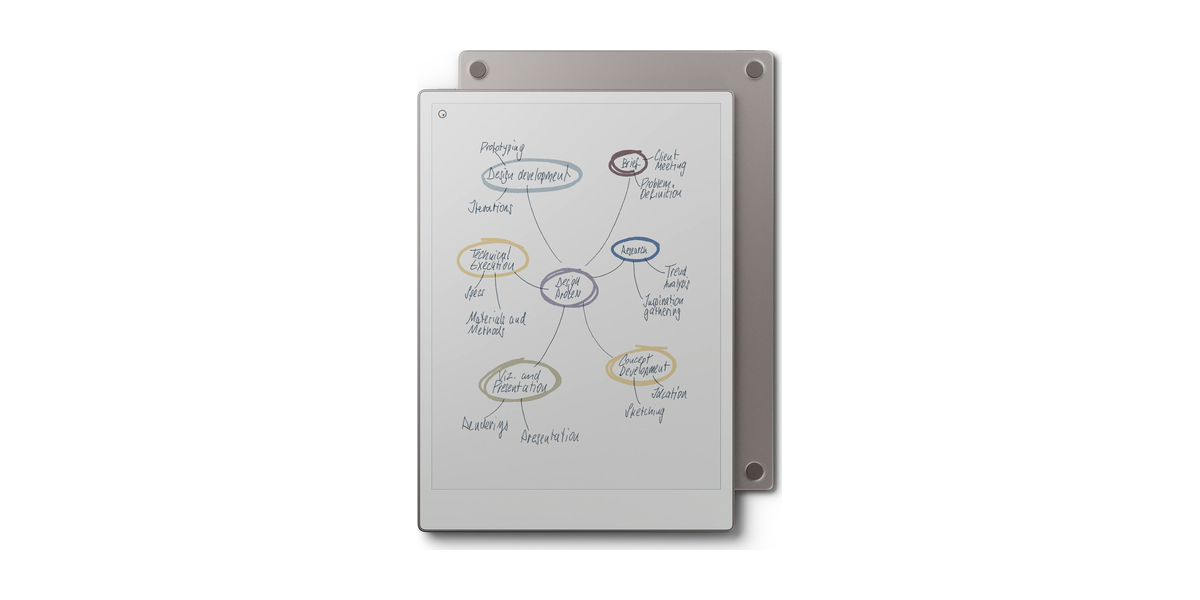
I'm a big fan of e-ink devices, which is why I own about three of them. I have a video on my reMarkable Paper Pro Move, and I own a reMarkable 2 as well. The writing feel is amazing. reMarkable has many models, so check their site for the full lineup. If you don't care about color, the Paper Pro is a great pick. These devices can be pricey, so they're a good option to watch during sales.
🌐 Check out reMarkable products
4) Kindle Scribe 📖
If you like reading digital books but also want to write on something, the Kindle Scribe is a great pick. I started with a basic Kindle because I liked being able to annotate and underline, and the Scribe gives me both reading and writing in one device. It's on the pricier side, but it's a nice option for someone who wants a single e-ink device for both.
🌐 Check out Kindle Scribe
5) Home Assistant Green 🏠
Home Assistant is an open-source home automation platform that puts local control and privacy first, and it's backed by a large community. The Home Assistant Green is the easiest way to get started with it. If someone you know is curious about smart home automation, cares about privacy, and doesn't want to deal with the infrastructure side, this is a great entry point.
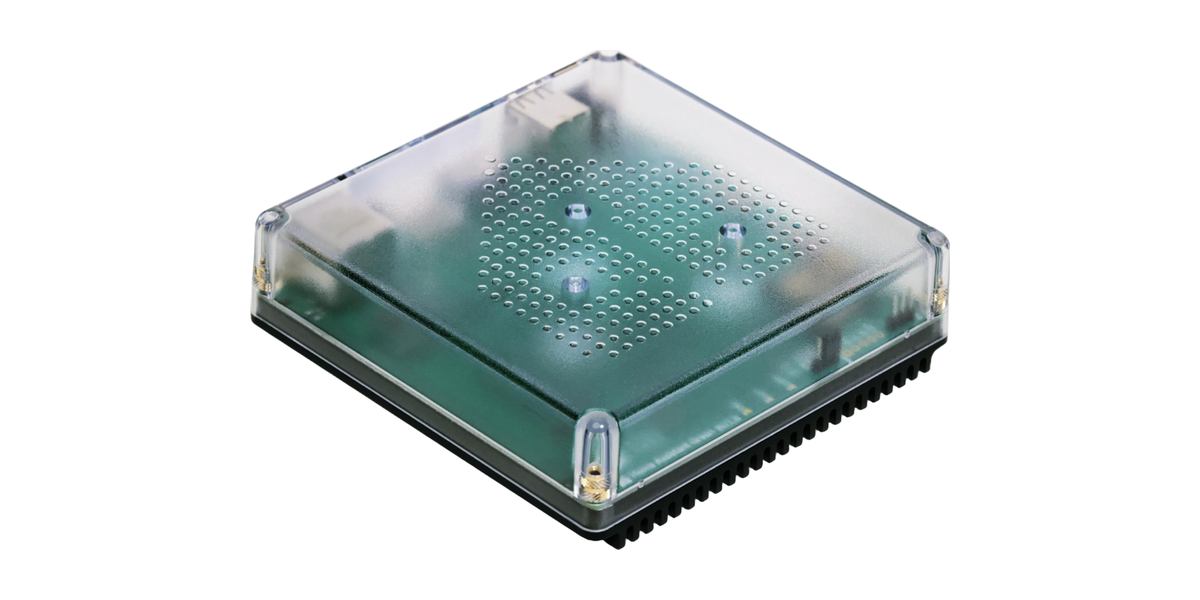
🌐 Check out Home Assistant Green
6) Noise-Canceling Headphones 🎧
I got these about a year and a half ago during Prime Day, and I really like them. I was a big Bose fan for years, but the cups on my Bose headphones kept shredding after about two years. After that happened for the second time, I decided to try a different pair of noise-canceling headphones. So far, these are holding up, and the sound quality is balanced. I listen to a lot of classical and jazz, so I like hearing the nuances. They're great for tuning out a busy home office or for travel.
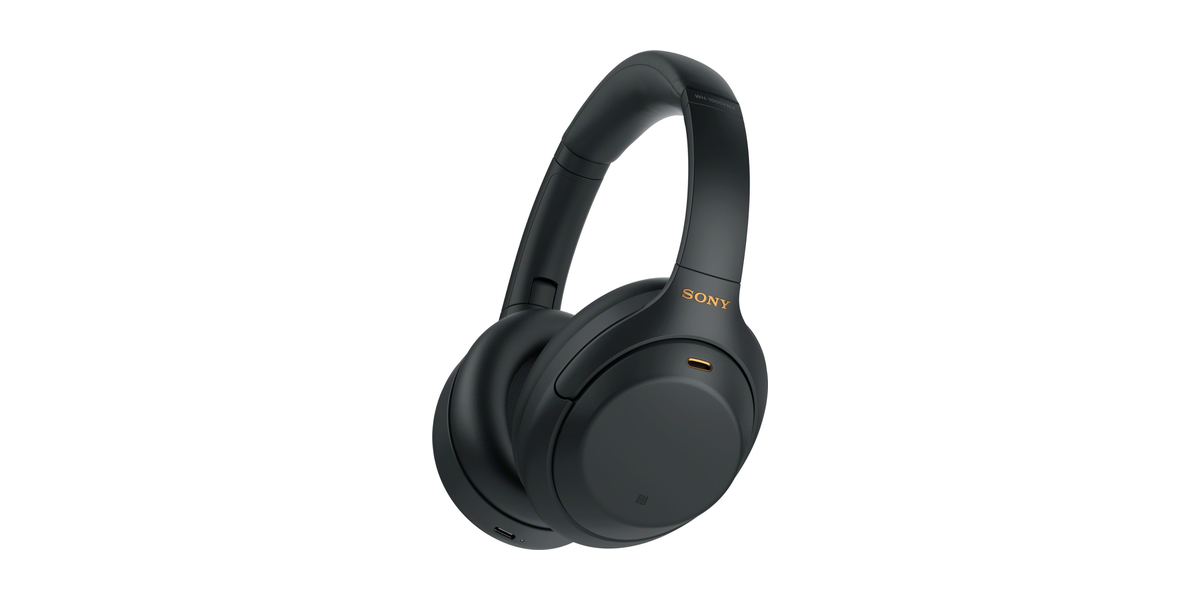
🌐 Check out Sony Noise Canceling Headphones
7) Das Model S Mechanical Keyboard ⌨️
My husband introduced me to mechanical keyboards. He had a Das Keyboard first, and I remember thinking I would never spend more than $100 on a keyboard. He told me I wouldn't want to go back, and he was right. I have blue switches, which are clicky and loud, so be ready for the sound. There's a whole rabbit hole of switch types, like brown and red, and many cute colors to choose from. I'm too cheap to upgrade, though, and this one works great. If you don't have a mechanical keyboard yet, I highly recommend one.
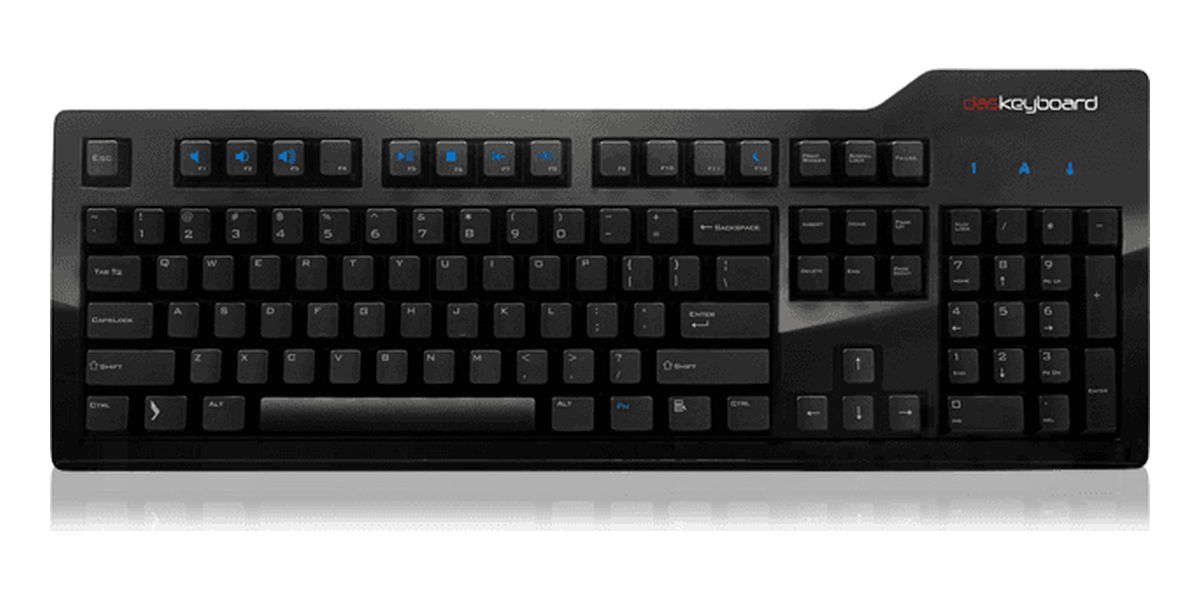
🌐 Check out Das Model S Mechanical Keyboard
8) Logitech M720 Triathlon Mouse 🖱️
I use the Logitech M720 Triathlon every day, now that I work from home. Its three numbered buttons let me switch between devices with a click. I use it on both my personal and work laptops, and it connects to each one quickly. I don't use all of its programmable side buttons, but they're there if you want them. If this one doesn't fit your style, Logitech also offers several ergonomic options. A quality mouse is a great gift for anyone who works from home.
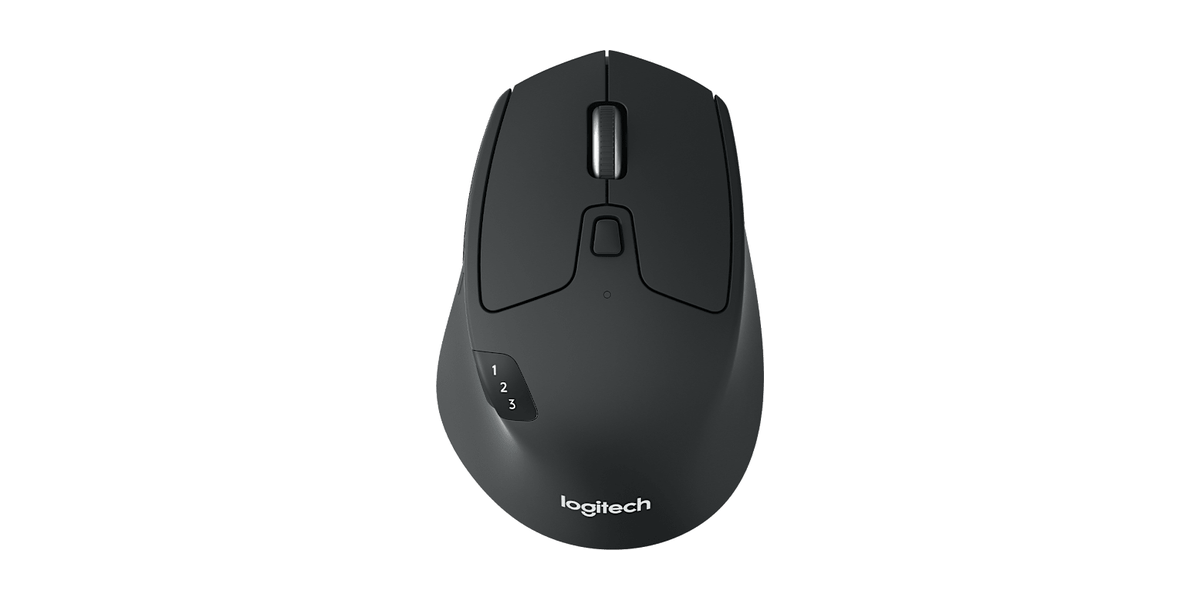
🌐 Check out Logitech M720 Triathlon Mouse
9) Laptop Stand 💻
I bought this Boyata laptop stand in 2019, and it still holds up really well. It's sturdy, and it's not too pricey. I keep my laptop at eye level, in line with my external monitor, which makes a big difference when I'm sitting at my desk. I didn't expect this brand to still exist, but it looks like the exact same stand I bought years ago.
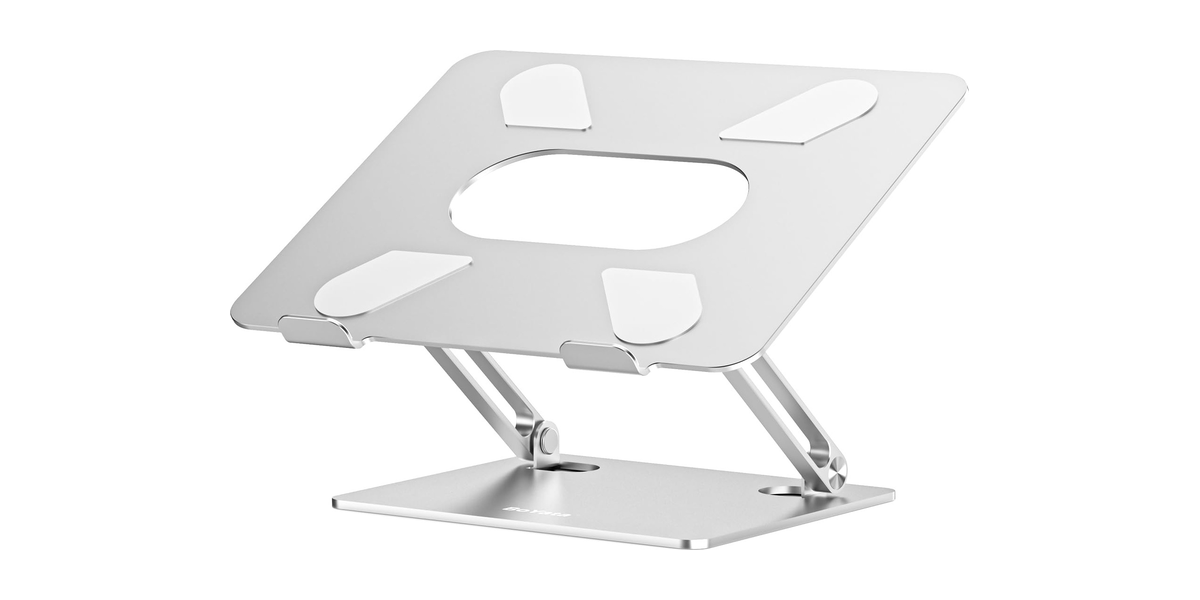
🌐 Check out Boyata Laptop Stand
10) CalDigit Thunderbolt Dock 🔌
I have a CalDigit Thunderbolt 3 dock, and this is the fourth version of it. It still holds up well after years of use. My setup is simple: one USB-C cable connects my laptop to the dock, and everything else is plugged into it. That includes my monitor, Ethernet, and two USB devices. I move around a lot between my desk and my chair, so having a single connection point is a huge help.
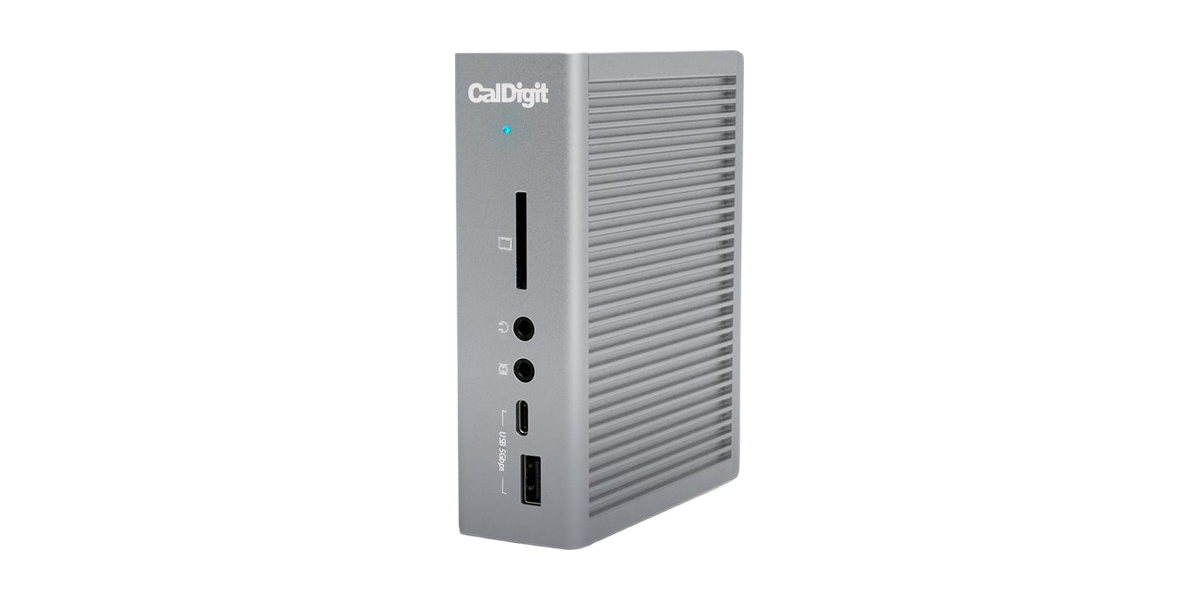
🌐 Check out CalDigit Thunderbolt Dock
11) LEGO Sets 🧱
I'm an adult LEGO fan, and I got into it by accident. My manager gave our team a Star Wars Boba Fett LEGO set because our team was named Boba Fett, and I had so much fun building it that it became a hobby. Now I've spent way too much money on LEGO. It's a great hobby if you want to relax and enjoy yourself while still using your brain. LEGO has plenty of adult sets, including Harry Potter, Star Wars, art sets, and Pokémon sets, so there's something for everyone.

🌐 Check out LEGO
12) Garmin Watch ⌚
I've owned many Garmin watches. I started running in 2017, and my first Garmin was a basic running watch. I upgraded when I trained for my first half marathon, and again when Garmin added music support. I use mine for weight training, too. Garmin has sportier models, which I like for tracking fitness and health, and sleeker models if you just want steps and heart rate. If someone loves working out and wants advanced metrics, I highly recommend Garmin.
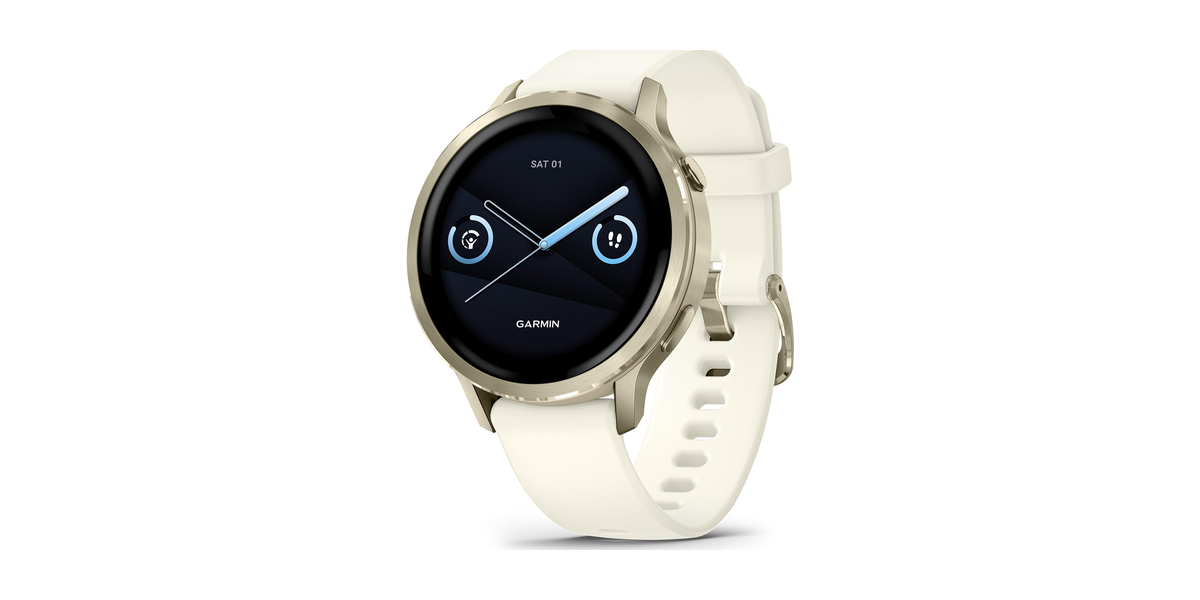
🌐 Check out Garmin Watch
El Fin 👋🏽
If you enjoy what you read, feel free to like this article or subscribe to my newsletter, where I write about programming and productivity tips.
As always, thank you for reading, and happy coding!
About the author
Welcome to my blog 👋🏽
I'm a Front-End Developer with a passion for learning!
I write about Programming 👩🏽💻 and Productivity Tips ✅
Comments
Join the discussionNo comments yet. Be the first to comment.
Top Lists to Boost Development Productivity
This series contains articles covering my favorite apps, workflows, or tips that I think can help boost a developers productivity.


