7 More Mac Apps to Boost Development Productivity
2024 Edition

I wrote a similarly titled article back in 2020 including a list of the main apps I use as a full-time developer. Since that was one of my most popular articles and the list of apps I currently use has changed a bit, I thought it would be helpful to write an updated blog post on this topic. Hope you enjoy!
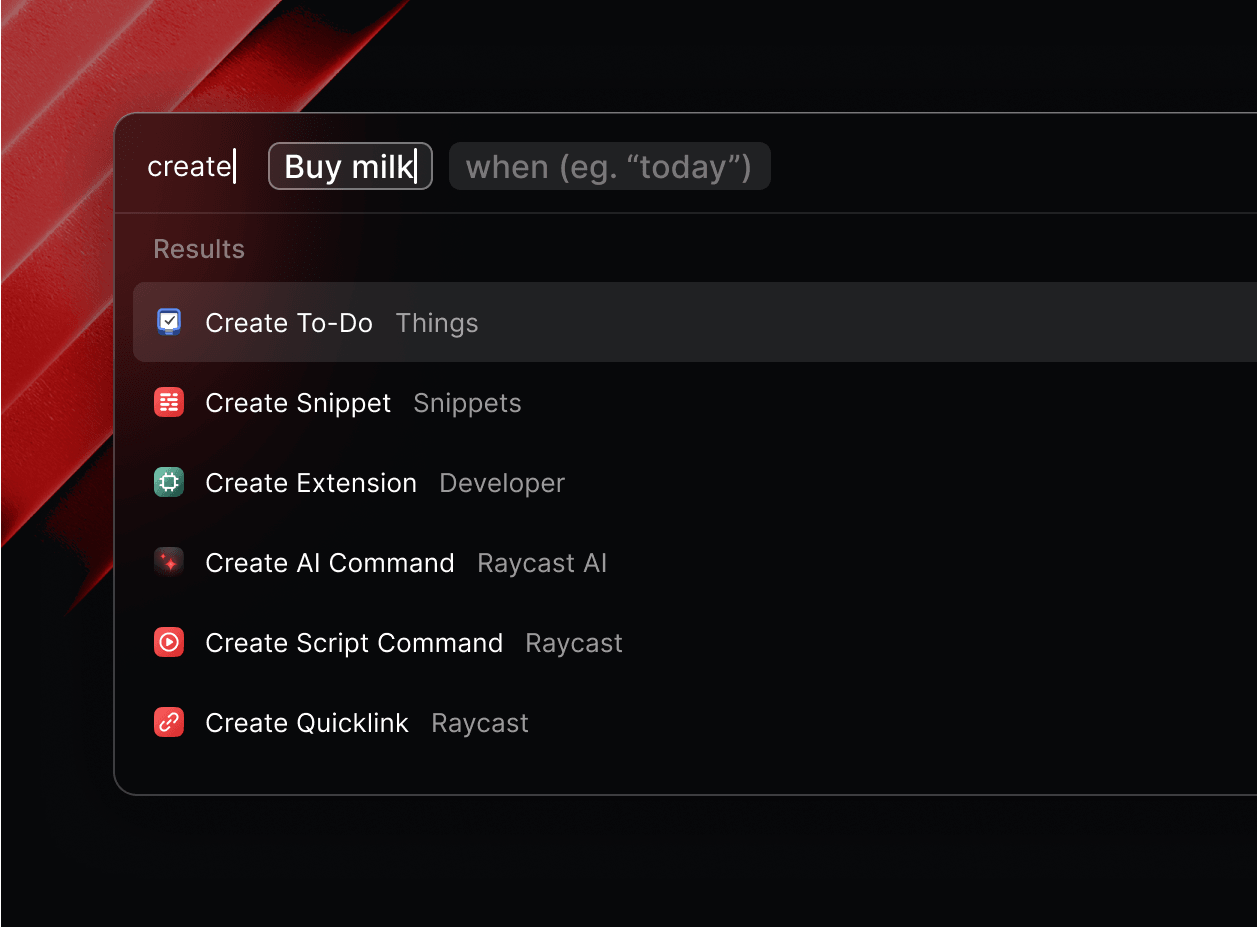
1) Raycast ⚡
Raycast provides a collection of powerful productivity tools all within an extendable launcher. With its fast and customizable interface, you can search files, run commands, manage apps, and even extend functionality with community-built plugins.
I’ve known about Raycast for a while but was an avid Alfred user for years. I finally made the switch this year and have been happy with the results.
🆓 Free | 🌐 Check out Raycast
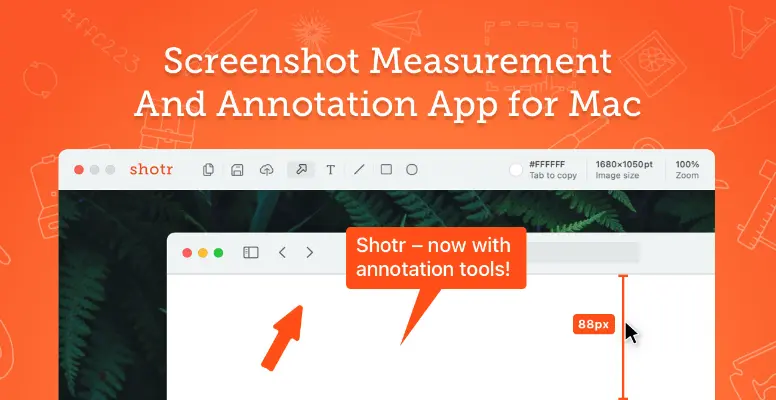
2) Shottr 📸
Shottr is a lightweight screenshot tool designed specifically for macOS. Packed with features like pixel-perfect zoom, text recognition (OCR), and annotation tools, it’s perfect for developers and designers who need to capture and share ideas quickly.
🆓 Free | 🌐 Check out Shottr
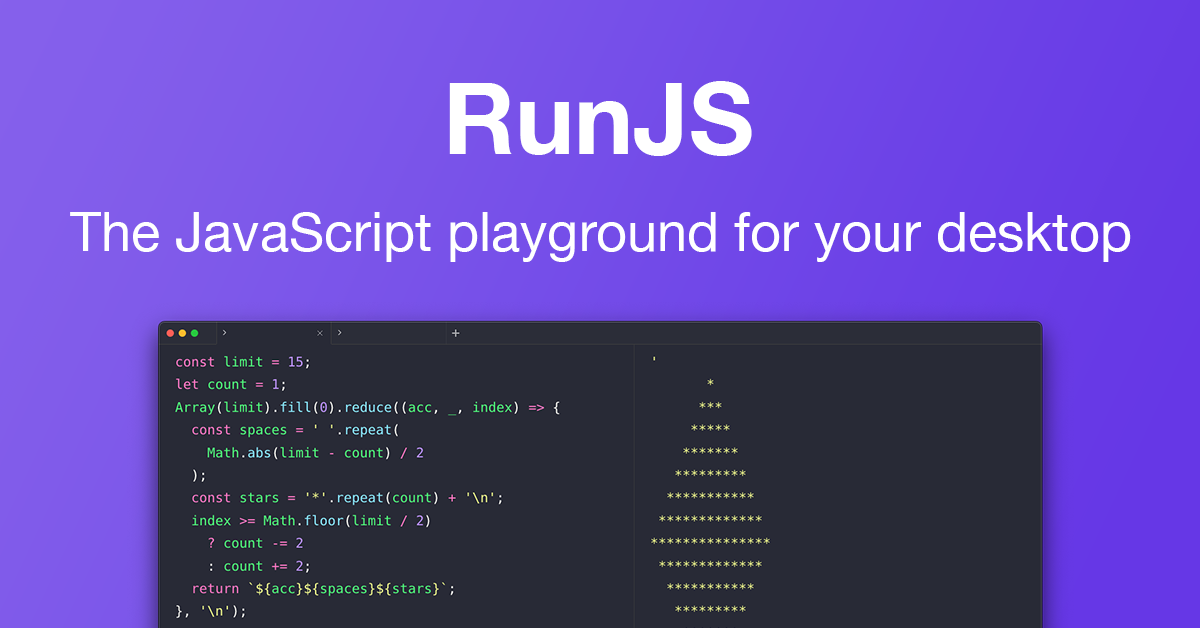
3) RunJS ▶️
RunJS is a fast and efficient tool for prototyping JavaScript and TypeScript. It serves as a playground or scratchpad, allowing you to write and execute code seamlessly. The output of your code is displayed side-by-side with the editor, providing instant feedback.
RunJS allows you to install npm packages, making it a good fit for testing and experimenting with libraries. It also allows you to save and organize snippets into a collection for quick and easy access.
🆓 💰 Freemium | 🌐 Check out RunJS
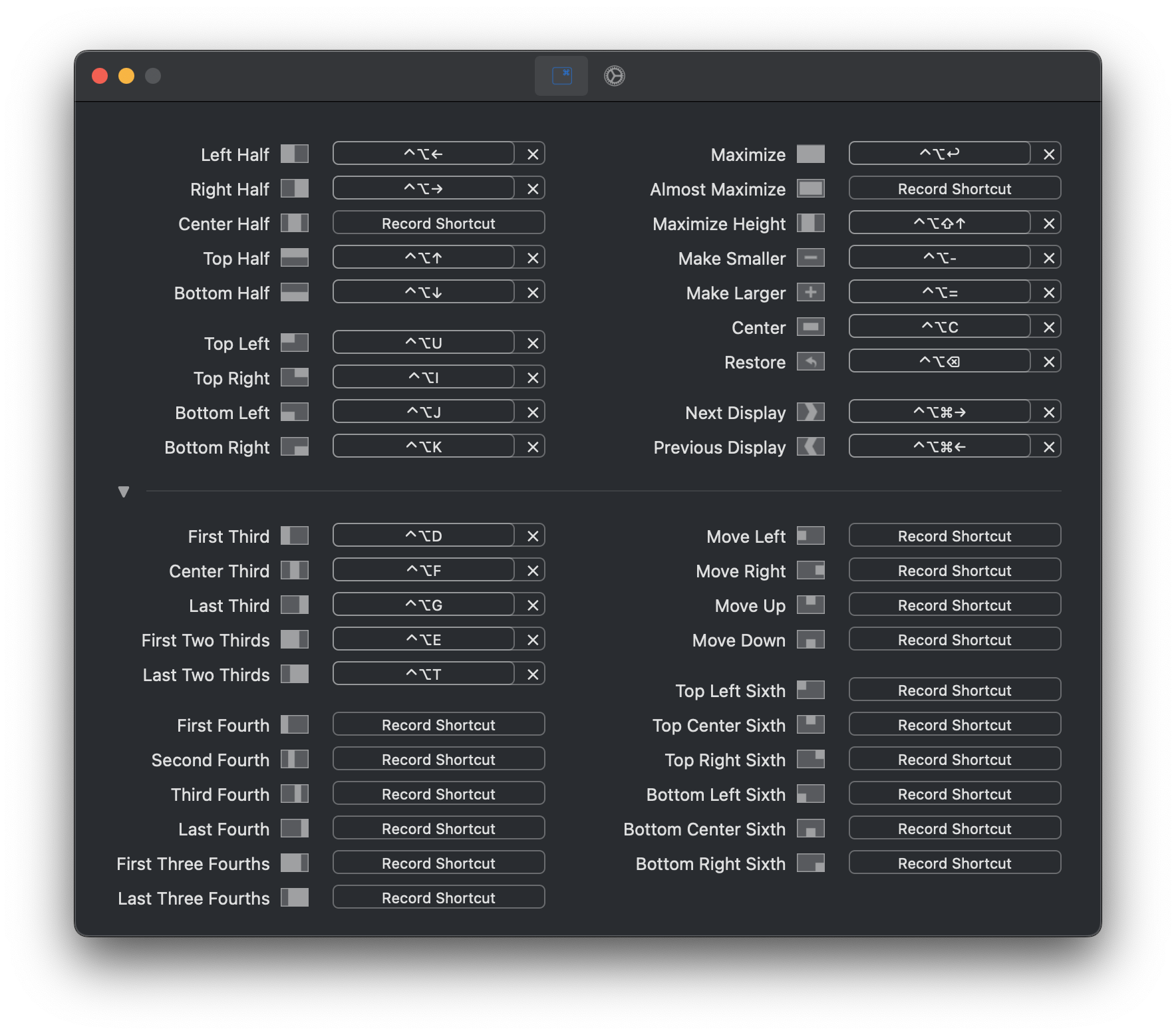
4) Rectangle 🟦
Rectangle is an open-source, window management tool based on Spectacle (the deprecated window manager I mentioned in my last rendition of this post). Rectangle allows you to move and resize windows using keyboard shortcuts or snap areas. Macs still do not have this feature natively, making this a very handy tool.
🆓 Free | 🌐 Check out Rectangle
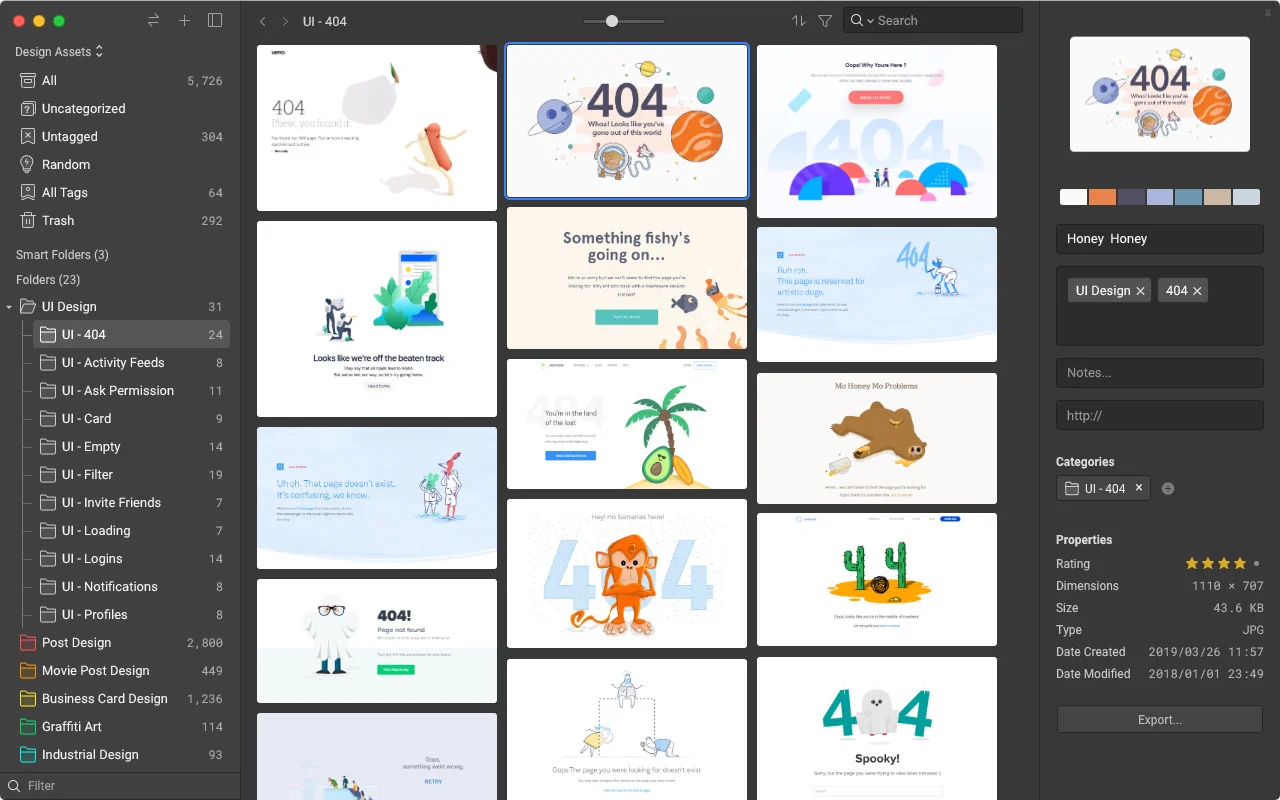
5) Eagle 🦅
Eagle is a versatile digital asset management tool designed to help developers, designers, and creatives stay organized. With features like smart folders, tagging, and powerful search capabilities, it lets you effortlessly manage and categorize images, videos, fonts, and other design resources. Eagle streamlines your workflow, ensuring your inspiration and assets are always at your fingertips.
💰 Paid | 🌐 Check out Eagle
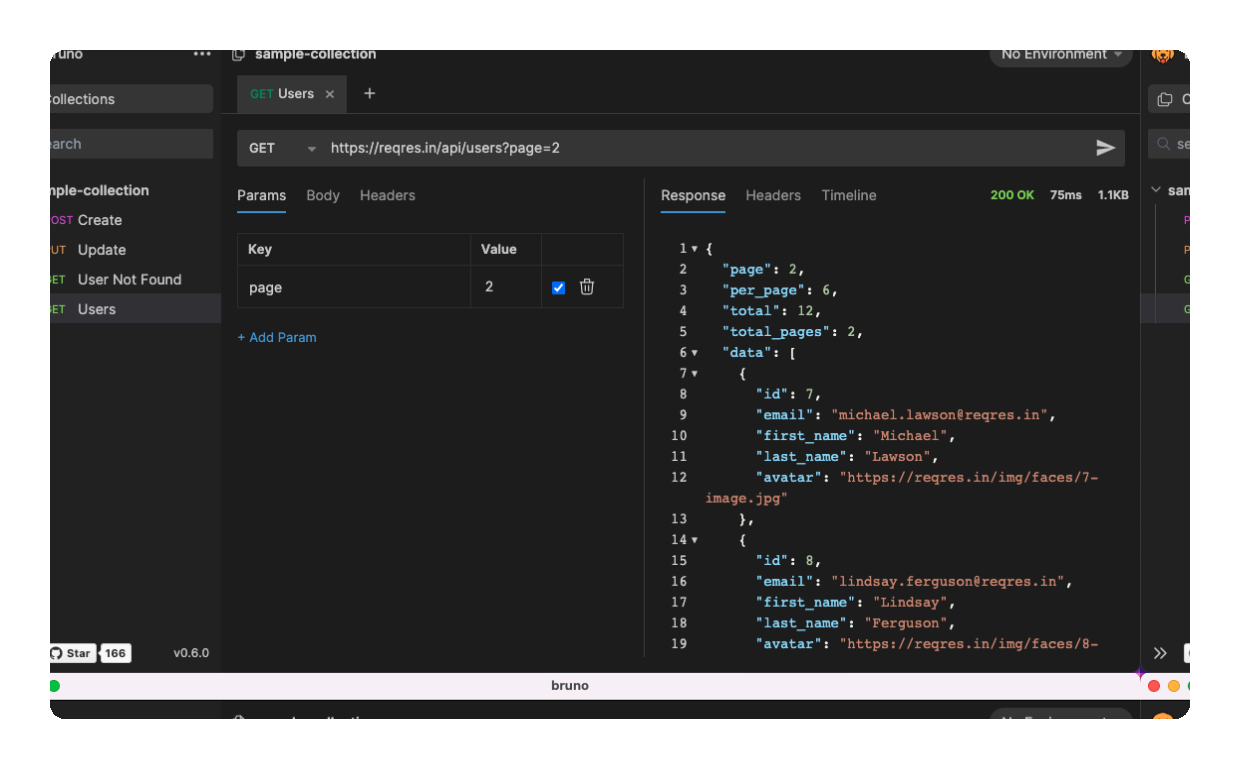
6) Bruno 🐶
Bruno is a lightweight, open-source, Postman alternative that aims to reinvent the API client. Some of its differentiators includes a native Git integration and offline-only capabilities.
🆓 Free | 🌐 Check out Bruno
P.S. Thunder Client is another alternative if you’re looking for an API client that you can use directly inside VS Code.
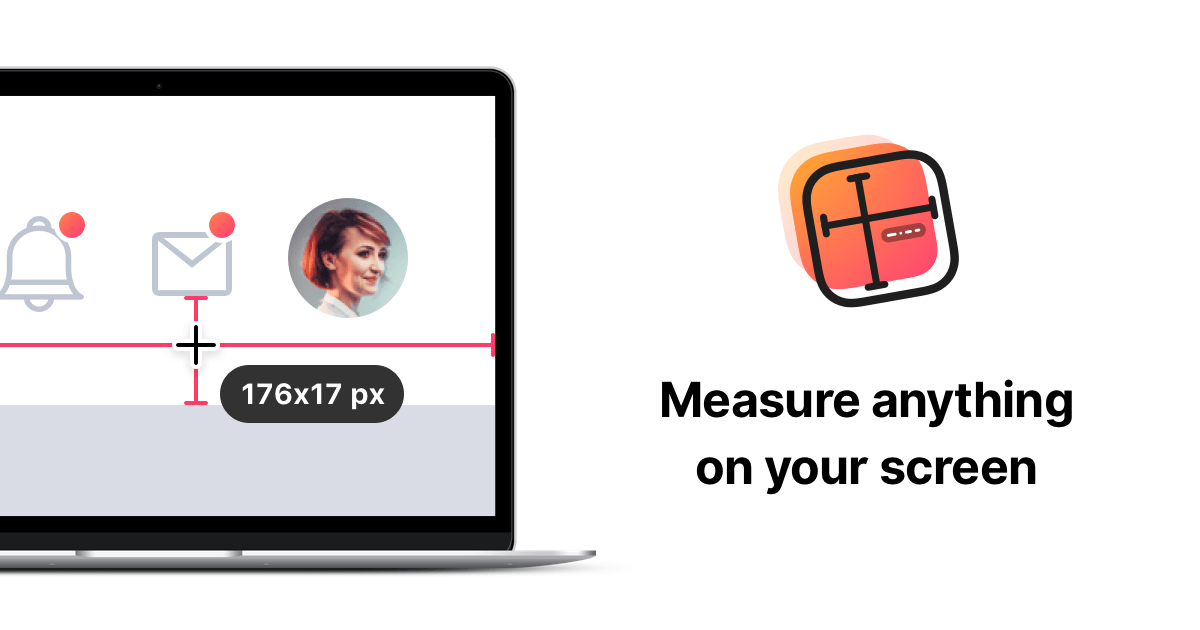
7) PixelSnap 2 📏
PixelSnap is a precision measurement tool that makes it effortless to measure anything on your screen. Ideal for developers and designers, it lets you quickly find distances between objects, dimensions of UI elements, or even gaps in layouts. With its smart snapping and intuitive interface, PixelSnap saves time and ensures pixel-perfect accuracy in your work.
💰 Paid | 🌐 Check out PixelSnap 2
El Fin 👋🏽
I hope you will find these apps to be a helpful and productive addition to your workflow. Remember to check out my related article, 7 Free Mac Apps to Boost Development Productivity, for a list of other apps that you may want to add to your toolkit.
As always, thank you for reading, and happy coding!
About the author
Welcome to my blog 👋🏽
I'm a Front-End Developer with a passion for learning!
I write about Programming 👩🏽💻 and Productivity Tips ✅
Comments
Join the discussionNo comments yet. Be the first to comment.
Top Lists to Boost Development Productivity
This series contains articles covering my favorite apps, workflows, or tips that I think can help boost a developers productivity.


