# 10 Code Snippets You Need to Try
Code snippets are an essential tool I use daily that vastly speeds up my development process. When I watched a tutorial from Brad Traversy entitled [*Code Faster With Custom VS Code Snippets*](https://youtu.be/JIqk9UxgKEc), I instantly started customizing my snippets instead of depending on an extension to provide that feature for me.
I've created a [Github Gist](https://gist.github.com/Cool-Runningz/53192bbc74bebd4183db49f2c8ecdbde) that contains a list of all the snippets I am about to mention below, so feel free to reference it if you want to use them in your editor.
## 1) console.log
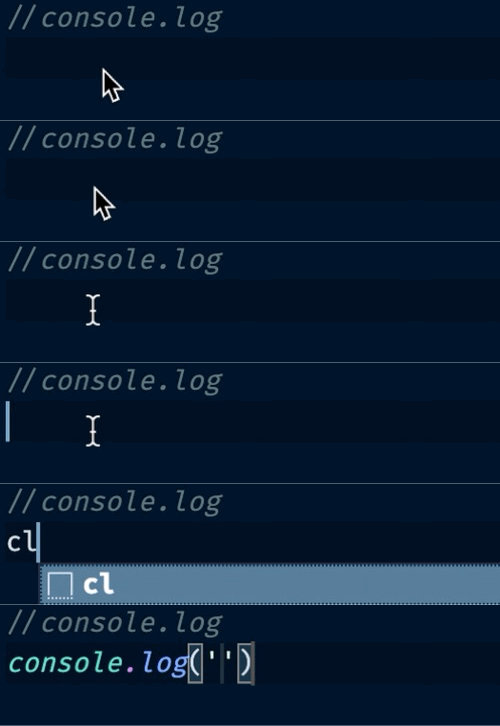
## 2) console.groupCollapsed
When I discovered [console.groupCollapsed](https://developers.google.com/web/tools/chrome-devtools/console/api#groupcollapsed), it was a game-changer 🤯. I use this all the time, especially when I want to group logs together to make them easier to distinguish between other output in the browser console.
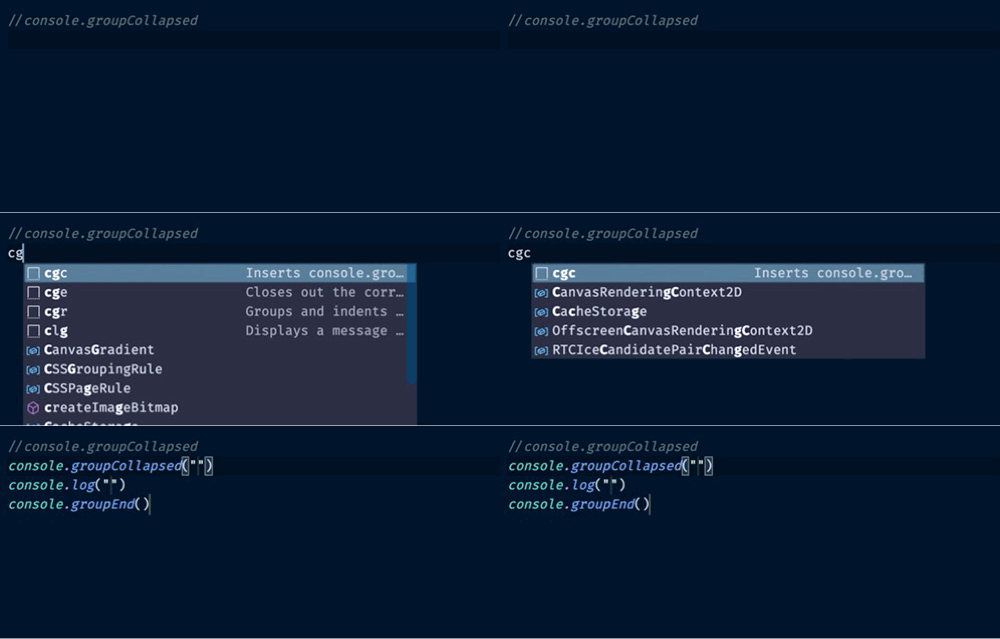
## 3) console.dir
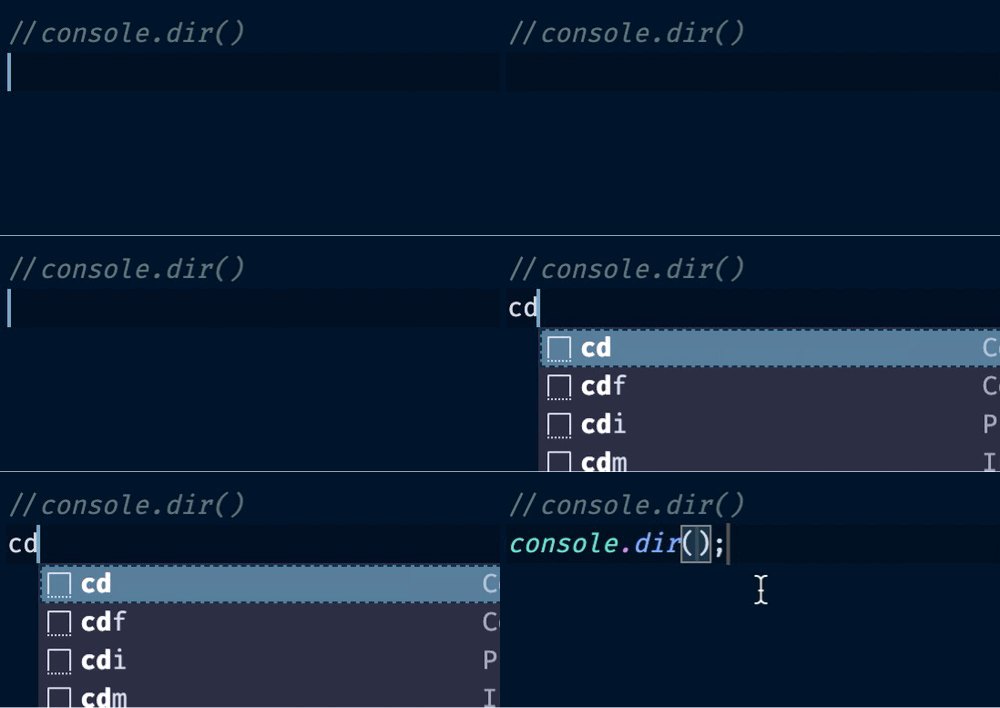
## 4) noop
**noop** = **no operation** and represents an empty function. I use this primarily when working with event handlers in React that are pending functionality implementation.
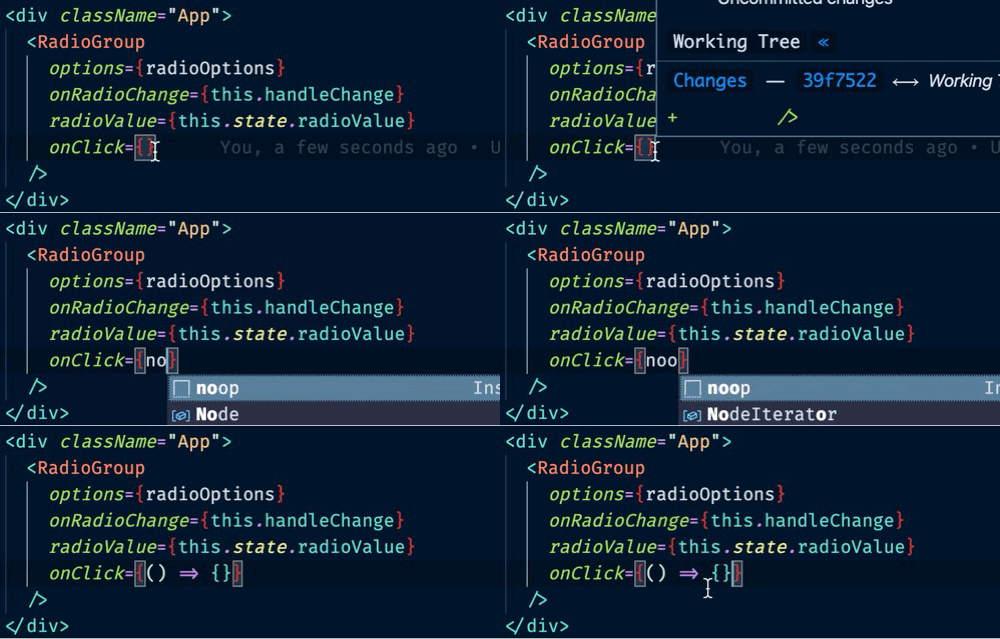
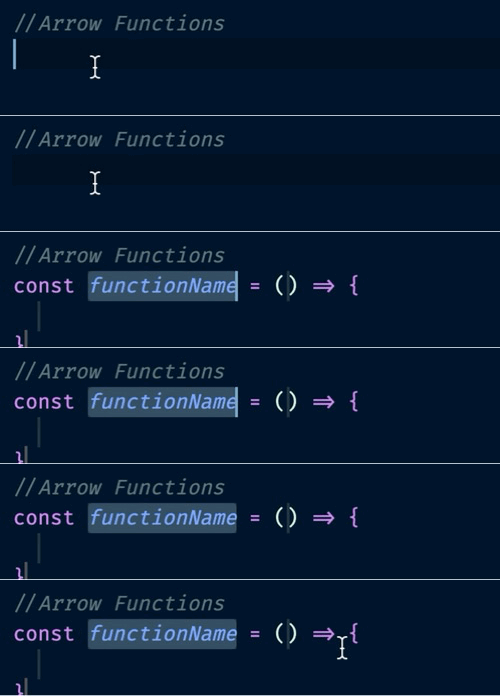
## 5) Arrow Functions
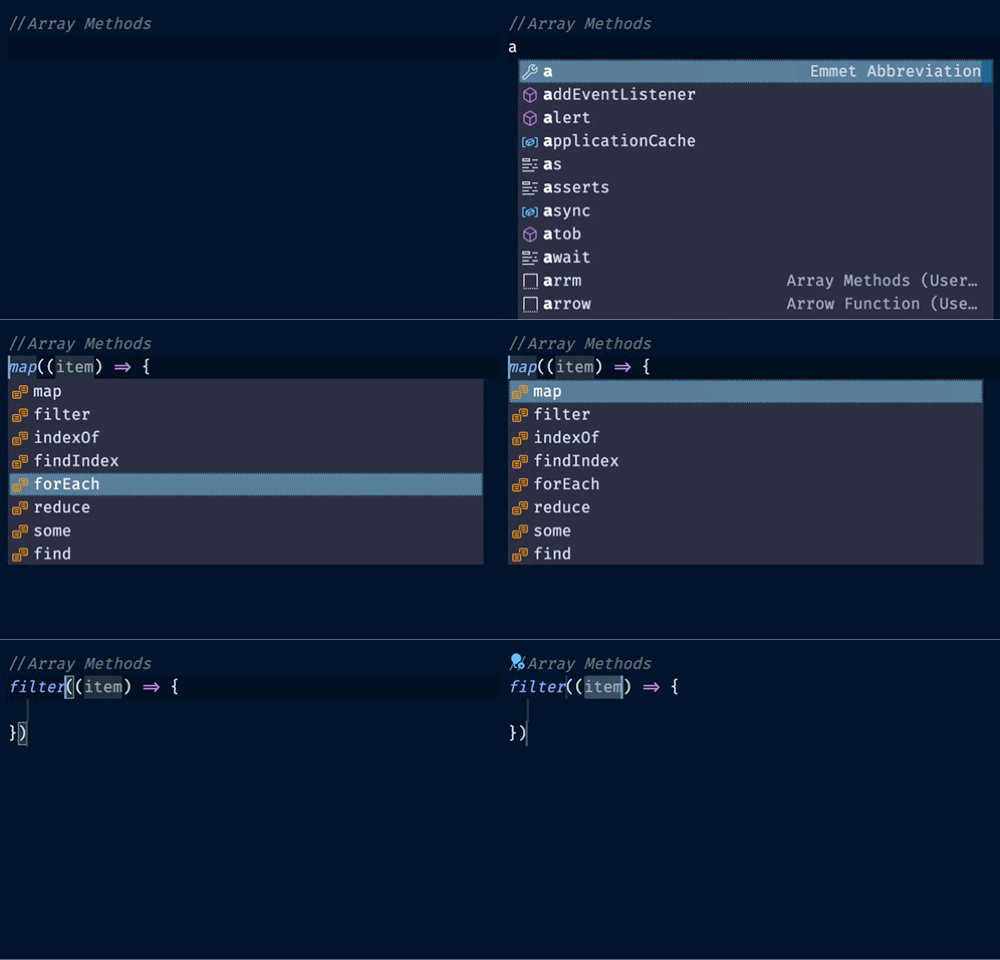
## 6) Array Methods
Provides a list of commonly used methods like [map](https://developer.mozilla.org/en-US/docs/Web/JavaScript/Reference/Global_Objects/Array/map) , [filter](https://developer.mozilla.org/en-US/docs/Web/JavaScript/Reference/Global_Objects/Array/filter) , and [reduce](https://developer.mozilla.org/en-US/docs/Web/JavaScript/Reference/Global_Objects/Array/Reduce) to name a few.
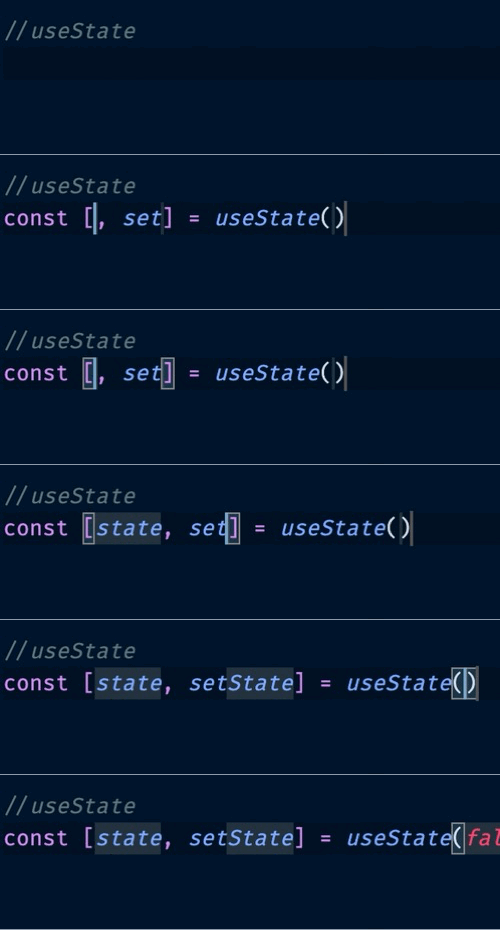
## 7) useState
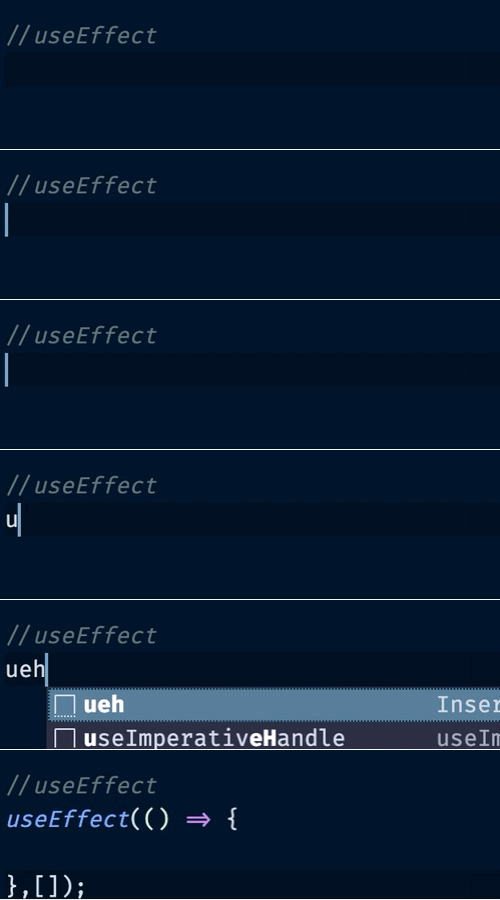
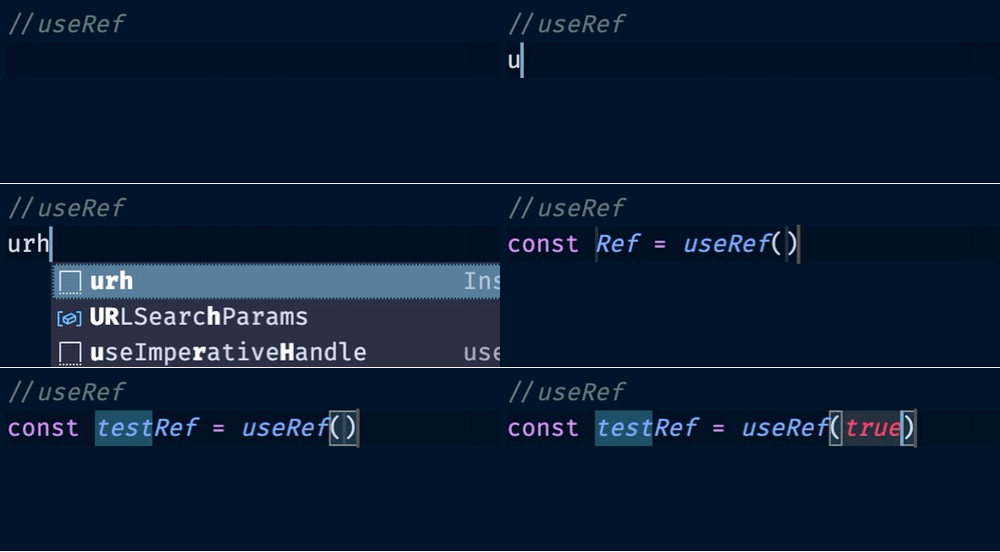
Now that [React hooks](https://reactjs.org/docs/hooks-overview.html) are here to stay, I use this, `useEffect` and `useRef` all the time when working on front-end projects.
## 8) useEffect
## 9) useRef
## 10) IIFE
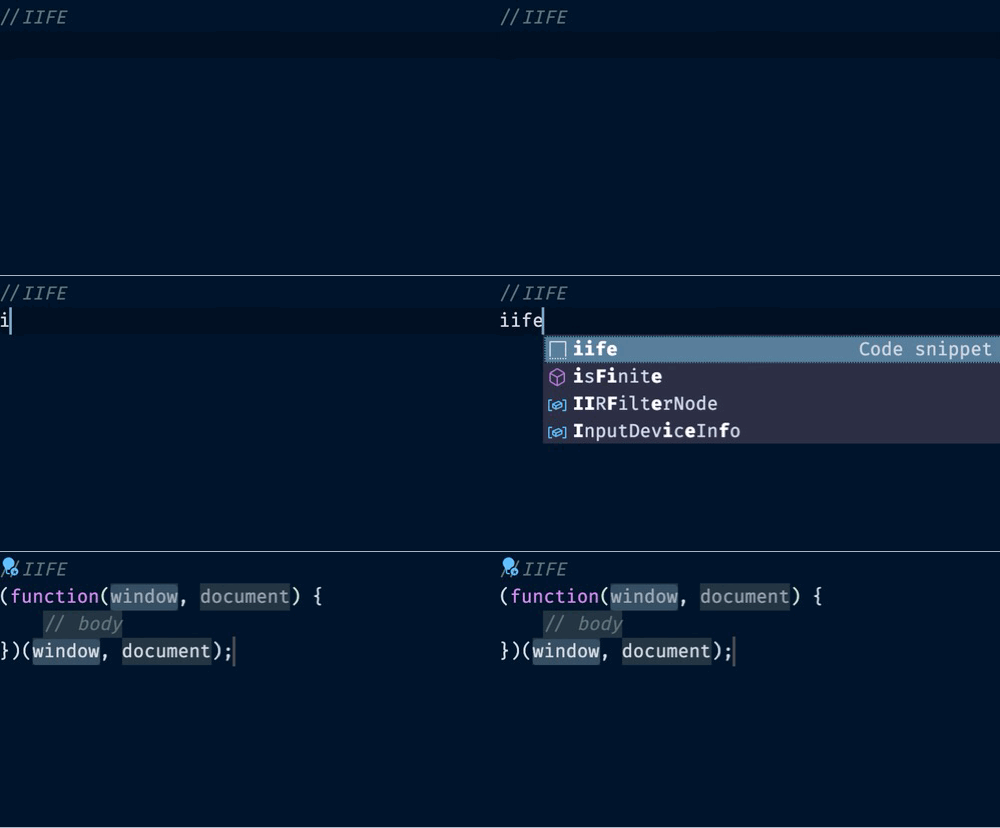
IIFE = [Immediately Invoked Function Expression](https://developer.mozilla.org/en-US/docs/Glossary/IIFE). I could never remember how many parentheses and/or brackets I needed so I just created a snippet so that I wouldn't have to 😅.
# How to Configure in VSCode
1. Press CMD + Shift + P (Mac) or CTRL + Shift + P (Windows) to open up the command palette.
2. Type `snippets` in the command prompt and pick `Preferences: Configure User Snippets`.
3. Select whatever language file you want to create snippets for and then you will need to add some JSON to configure your settings.
- Since I'm a UI Developer, I updated the `javascript.json` and `javascriptreact.json` files.
The syntax for creating a snippet is not the most intuitive thing so I would highly recommend watching [Brad's tutorial](https://youtu.be/JIqk9UxgKEc) to get a more in-depth view of how to set things up. Alternatively, there are tools like the [Snippet Generator](https://snippet-generator.app/) to help make this process much simpler.
# El Fin 👋🏽
I hope you find these snippets as useful as I do and don't forget to check out my [Github Gist](https://gist.github.com/Cool-Runningz/53192bbc74bebd4183db49f2c8ecdbde) if you want to leverage them in your own environment.
Thanks for reading and happy coding!